You can manage access to technical assets in the following ways:
- Assigning roles
- Assigning users
Assigning Roles
To manage access via roles, follow these steps:
- In the <Technical_Asset> page, click
 .
. - Click Manage Access.
- Click
 .
. - Select a role.
The available options appears.
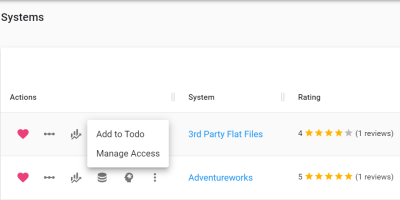
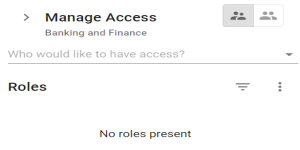
The Manage Access pane appears. By default, it is set to Roles ( ).
).
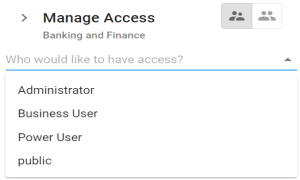
The available roles appears.
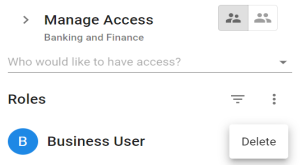
The selected role is assigned to the asset. All users assigned to this role get access to the asset.
To revoke access of a role or delete it from the assigned roles list, click . Then, click Delete.
Assigning Users
To manage access via users, follow these steps:
- In the Manage Access pane, switch to Users (
 ).
). - Click .
- Select a user.
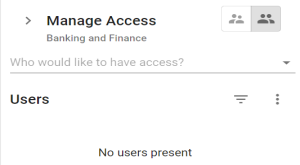
The available users appear.
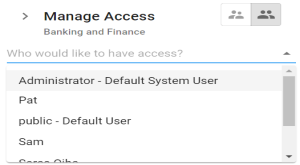
The selected user is assigned to the asset.
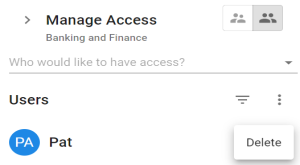
To revoke access of a user or delete it from the assigned users list, list, click . Then, click Delete.
|
|
|
Copyright © 2021 erwin, Inc. All rights reserved. Copyright © 2021 Quest Software Inc. All rights reserved. All trademarks, trade names, service marks, and logos referenced herein belong to their respective companies. |